 Pure Intonation
 Play your MIDI keyboard in just intonation, live
Plug in a MIDI keyboard and Pure Intonation Tuner becomes a live instrument. Every chord you play is identified and retuned to pure intonation as you play it, or left in equal temperament with one tap. Very few instruments of any kind can do this, and this one is free.
Open Pure Intonation Tuner – free
What happens when you play
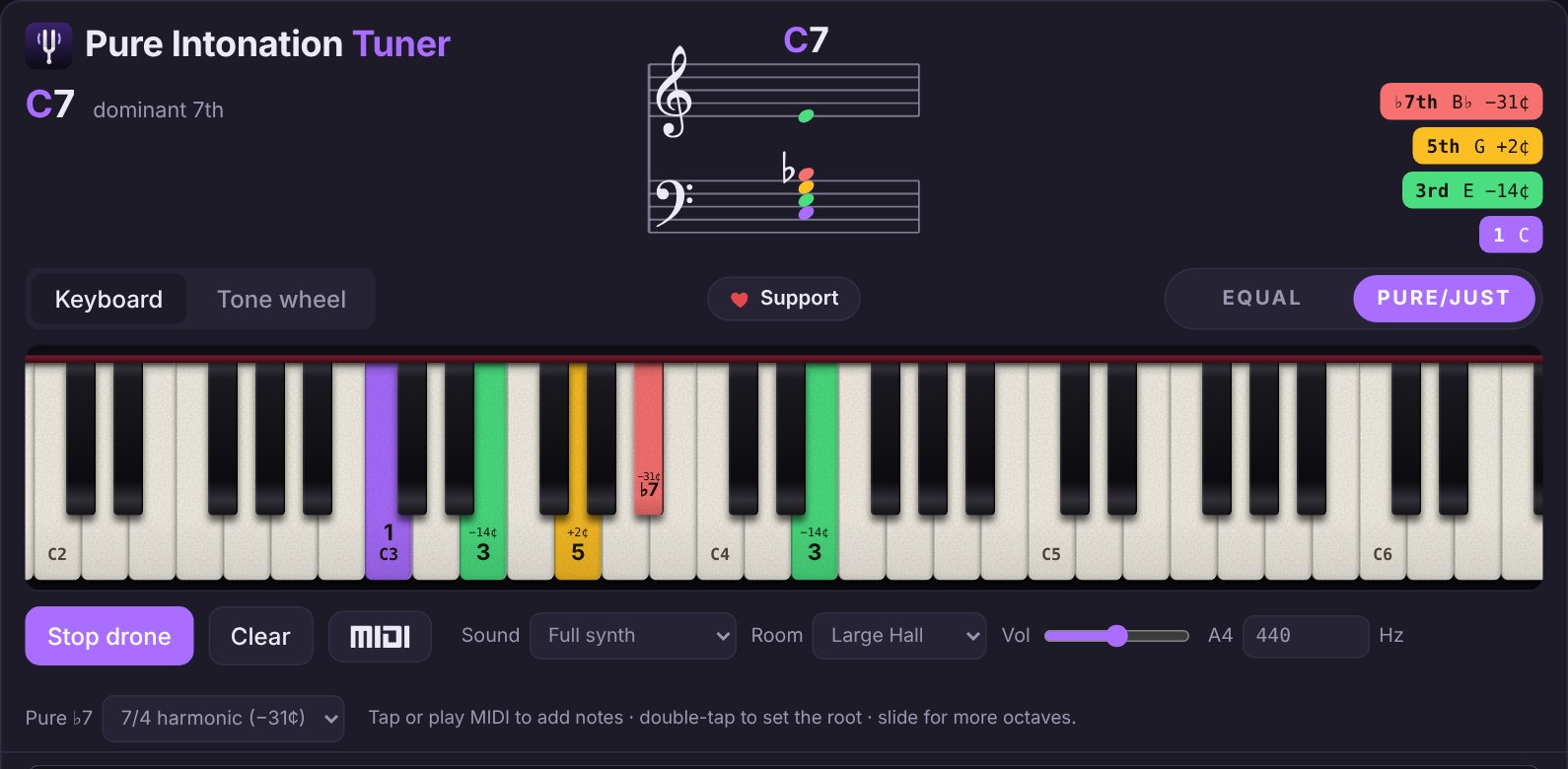
- Each new chord is named instantly and its root found.
- Every note is tuned to its pure ratio above that root, and held notes glide to their new pitch when the harmony moves. Choose Hold instead to keep them fixed.
- Velocity and the sustain pedal work the way you expect.
- The grand staff and keyboard show what you're playing, with each note's function and cents offset.
Set up in under a minute
- Plug your keyboard in by USB.
- Open pureintonation.com in Chrome, Edge or Firefox and click the MIDI button.
- Pick your keyboard under MIDI in and play.
On iPhone or iPad, use the free Web MIDI Browser app. Latency is kept as low as the browser allows; use wired headphones or speakers, not Bluetooth.
For performance and teaching
Use it on stage for pure-tuned pads and choir sounds, in rehearsal to show an ensemble what a locked chord sounds like, or at home to explore how harmony changes when every chord is pure.
Questions
Which browsers support MIDI keyboards?
Chrome, Edge and Firefox on Mac, Windows, Linux and Android. Safari and iPhone browsers do not support web MIDI; on iPhone or iPad, use the Web MIDI Browser app.
Can I switch between equal and just intonation while playing?
Yes. The Equal / Pure switch changes the tuning instantly, so you can compare the same chord both ways.
Free in your browser. No account, no download.
Open the tuner